
Field service management · Built in the Permian Basin · English / Español
Run the field.
Command the business.
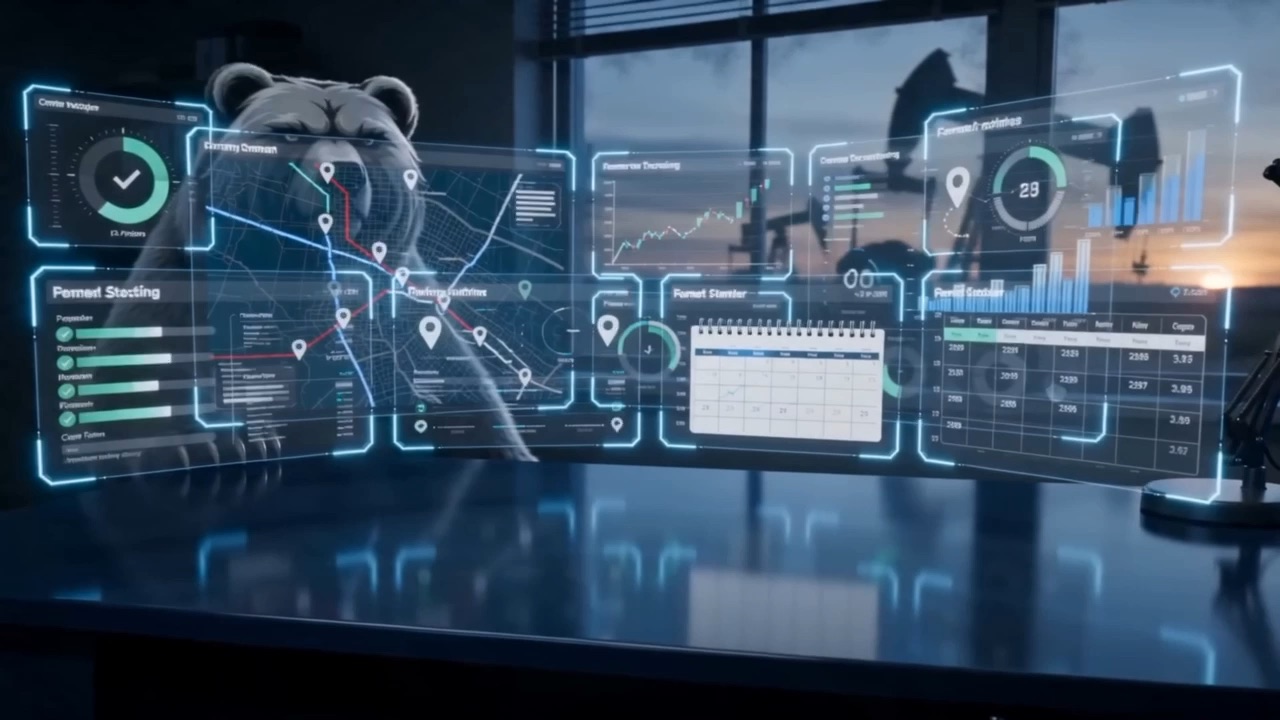
OSO Command moves a job from dispatch to signed field ticket to approved invoice — the same day the work is done, not three weeks later. One platform for dispatch, tickets, invoicing, GPS, and job costing, built by an operator who ran Permian Basin crews for twelve years. Not adapted down from home-services software.
0
pipeline from ticket to paid — nothing retyped, nothing lost
0
languages, one crew — full Spanish mode in the field app
0
simple sheets and your whole operation is loaded — we do the lifting
The problem
The work gets done.
The money limps home.
Field service companies rarely lose money in the field — they lose it in the gap between the field and the office. The job finishes, and then the paper starts its long walk: the dashboard, the console, the office inbox, the retyping, the price-book check, the invoice that finally goes out weeks after the work did. Every step of that walk costs real dollars. Here's where they go:
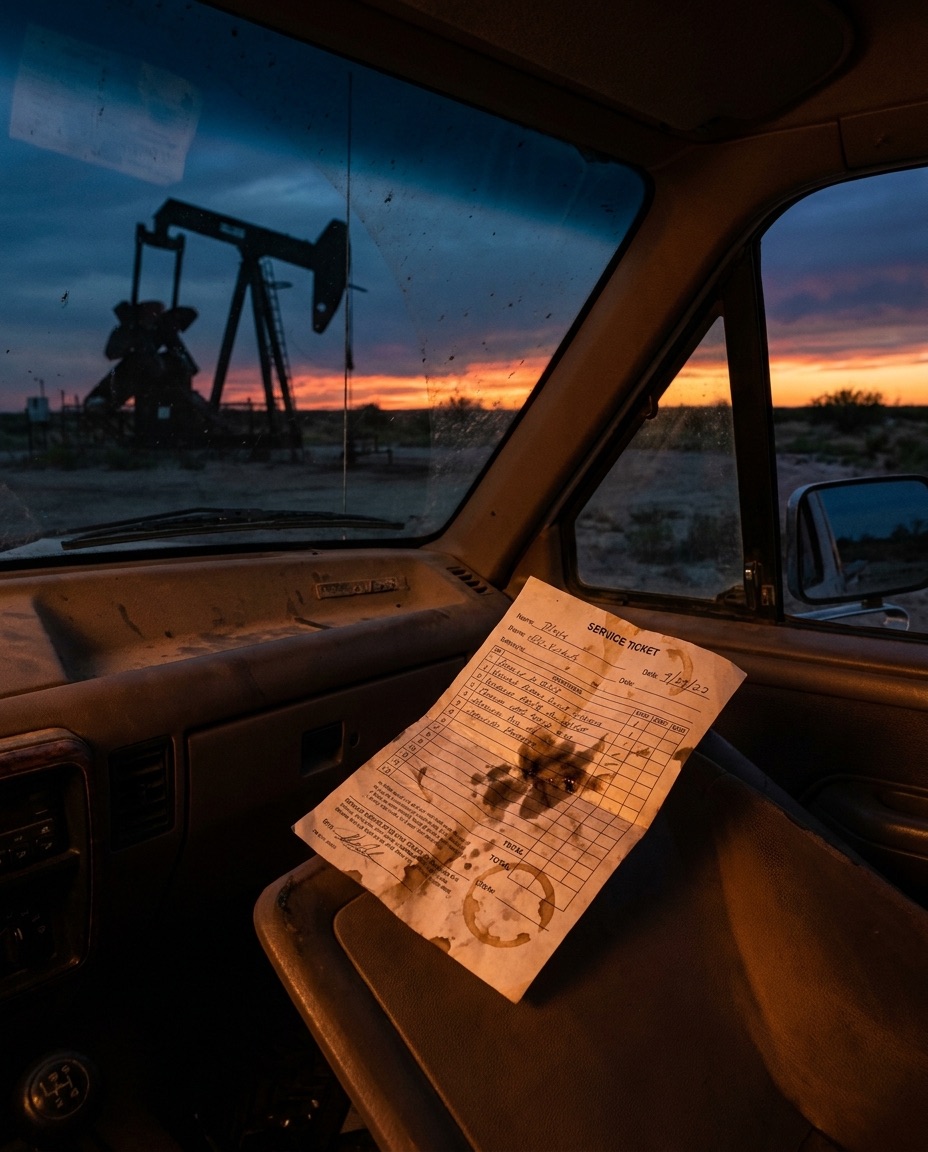
01 · The vanishing ticket
A handwritten ticket rides a dashboard for two weeks, goes through the wash, or never gets turned in at all. Every lost ticket is a finished job you paid crew, fuel, and iron to deliver — invoiced at exactly $0. Most owners can't say how many they lose, because a lost ticket leaves no record it ever existed.



$ run leak-check --example
> crew: 12 trucks · ~200 tickets a month
> tickets lost or never turned in: 1 in 50 → ≈48 jobs a year worked for free
> invoice lag: 15 days → two payrolls floated before the customer's clock starts
> ticket errors: 1 in 20 shorted, disputed, or quietly written off
$ verdict: the leak is real — run YOUR numbers below_
Illustrative example — every operation's numbers are different. That's exactly why the free calculators below run on yours.
The solution
One pipeline. Ticket to invoice to paid.
OSO Command doesn't stack software on top of your process — it replaces the walk the paper takes. One system carries every job from the first phone call to the money landing, and every handoff that used to lose tickets, time, or rates becomes automatic:
Intake
Jobs arrive by phone call, customer portal, or email and land in one queue — not on sticky notes. Nothing gets promised that dispatch can't see, and every request is on the record from minute one.
Dispatch
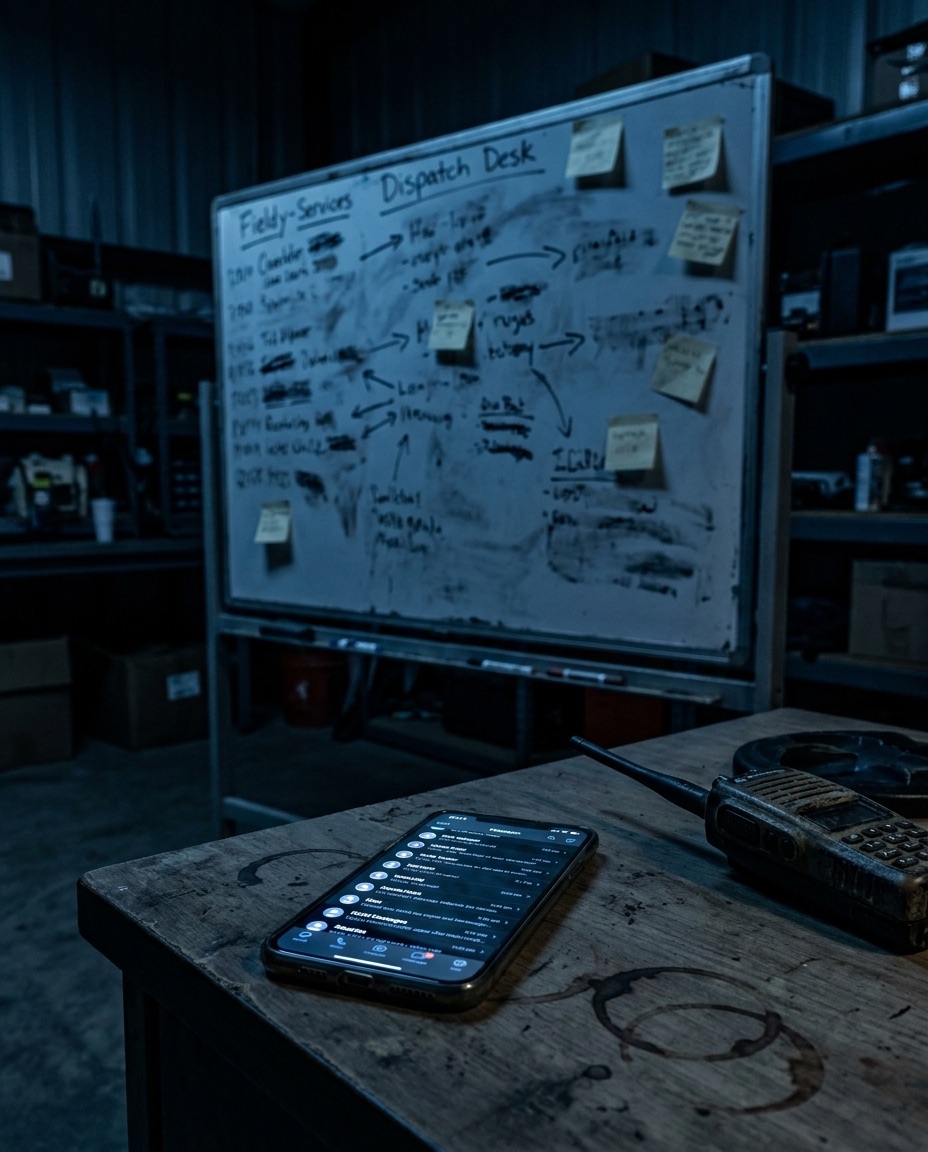
Drag the job onto a crew — day, week, or month view. It's on the tech's phone before you let go of the mouse, in English or Spanish. The whiteboard and the group text retire the same day.
The field ticket
The crew builds the ticket on a phone with dropdowns loaded from that customer's own price sheet — their company men, their leases, their negotiated rates. Wrong choices aren't hard; they're impossible. The customer signs on the glass at the wellsite. And the hand who prefers paper keeps paper: photograph the ticket and OSO Command reads it — handwriting, Spanish, patch slang and all — into clean fields for the office.
The approval gate
Nothing invoices without a human look. The office sees the digital ticket next to the original photo, fixes anything the field missed, and approves in minutes. Automation does the typing; your people keep the judgment.
Invoice & QuickBooks
Approval creates the invoice — your branding, ticket numbers and AFE referenced, priced off the sheet, signature attached. One click lands it in QuickBooks, Desktop or Online. Same day as the work, not three weeks later.
Paid, proven, measured
Signatures, GPS trails, and a full audit trail sit behind every invoice if a customer pushes back. And every ticket feeds the dashboards: revenue, job costs, and gross margin this month — live, not at tax time.
What's in the platform
The core runs the money. Modules run the rest.
Start with the core pipeline and add what your operation needs. Every module runs off the same tickets, the same time clock, and the same login — so nothing gets entered twice, and every piece feeds the others.
The core platform
Dispatch board
Every job on one board — drag it onto a crew, reschedule across day, week, or month views. Jobs flow in from calls, portals, and parsed emails.
Bilingual field app
Big buttons, dropdowns instead of typing, full Spanish mode at one tap, customer signature on the glass. Built for gloves and sunlight, not for office people.
Paper-ticket reader
Crews who keep paper, keep paper. Photograph the ticket and it comes back as clean fields — read in context like a person from the patch would, honest about what it can't read, and it never guesses on names or numbers.
Approval & invoicing
Every ticket passes a human approval gate, then becomes a branded invoice — with ticket bundling for customers who want one consolidated invoice per week.
QuickBooks export
OSO Command feeds your books instead of replacing them. Approved invoices export to QuickBooks Desktop or Online in one click; your bookkeeper keeps their world.
Live GPS & crew map
The pay clock IS the GPS switch: clock in, you're on the map; clock out, tracking stops dead. Dispatch sees every crew live — and hourly customers can get breadcrumb proof on their copy. Your call, per customer.
Job costing & POs
Set loaded labor and equipment rates once, and every ticket costs itself the second it's submitted. POs for parts, fuel, and rentals attach to the job. Margin per ticket, green or red.
Crew performance
Clocked hours vs. invoiced production, per operator, every morning — one fair number that works for hourly, per-barrel, and flat-rate work alike. Bonuses and coaching with numbers, not feelings.
Command dashboards
Jobs on the board, tickets waiting, invoiced today, open AR — and the row owners stare at: revenue, job costs, and gross margin this month. Live, on the office wall.
Expansion modules — rolling out with founding clients
Safety & Compliance
JSAs checked off on the phone before work starts, pre/post-trip inspections logged, certs tracked with expirations flagged early. When the operator's safety man asks for your program, you hand him a login — the posture that wins MSAs.
Fleet & Maintenance
Every unit's status — running, down, or in the queue — with what's wrong, what the fix costs, and what it's not earning while it sits. Parts inventory with low-stock alerts, so no more hotshot runs for a $40 part.
Employee Hub
Every hand watches his own hours build during the week, from his own clock-ins, on his own phone. Payroll disputes die on Tuesday instead of after the check prints — and the handbook, training records, and stubs live in the same pocket.
CRM & bid pipeline
Leads and bids tracked right next to operations, so follow-up happens before your competitor's does — and won work flows straight onto the dispatch board.
The Morning Bookkeeper
A scheduled agent that opens the office before your people do: posts approved invoices to QuickBooks, reads overnight remittance emails, flips invoices to paid with confirmation numbers in the memo, and leaves a short exception list. It reconciles — it never moves money on its own.
Why OSO Command
Built up from Permian field tickets — not down from an app store.
Built by an operator
Twelve years running an oilfield service company in the Permian Basin — booms, busts, audits, and slow-paying operators. The person who designed this platform hauled the tickets it replaces.
Blue-collar simple
Field software dies when it makes the crew's day longer. OSO Command makes it shorter — submit at the wellsite, done, no end-of-day paperwork pile. That's why it actually gets used.
Speaks oilfield
AFE numbers, company-man sign-offs, per-customer price sheets, hourly and per-barrel lines on the same ticket, Spanish for the crew. Ask a generic FSM where any of that goes.
Your brand up front
Your name, your colors, your logo — on the app your crews open and the portal your customers see. Powered by OSO Command underneath.
A human before every dollar
Nothing invoices without your office's approval. Automation does the typing; your people do the trusting — on purpose, because your customers care.
Never held hostage
Your company's data is isolated at the database level, audit-logged end to end, and exportable any day you want. We earn the renewal instead of locking the door.
Run your own numbers
Don't take our word for it. Take the calculators.
Sixty seconds each, free, no sales call required. Slide in your real trucks, tickets, and rates — including the per-barrel price off your own bid sheet — and look at your own leak, not an industry average.
Your results stay yours. Bring them to the demo and we'll show you exactly where each dollar comes back.
What it costs
The number, before the demo — not after it.
Most field software makes you sit through a sales call to find out the price. Here it is. Tiers band on fleet size, not per seat, so putting your whole crew on it never costs you more. Every tier runs the full core platform — dispatch, the bilingual field app, the paper-ticket reader, approvals, invoicing, GPS, job costing, and the dashboards.
Most operations start here
Crew
Fleet size · Up to 8 trucks
$1,950/mo
Founding 10 rate: $1,560/mo — locked for life
One crew, one dispatcher, one pipeline. The whole core platform for the operation that's outgrown paper and group texts.
Operation
Fleet size · 9 to 20 trucks
$2,950/mo
Founding 10 rate: $2,360/mo — locked for life
Multiple crews, multiple customers, multiple price sheets. Where the ticket-to-invoice gap starts costing real money every single week.
Basin
Fleet size · 21 trucks and up
Custom
Quoted on the demo
Multi-yard operations with their own back office. Priced to your footprint, in writing, on the call.
Onboarding is a one-time $4,950.
That's us loading your operation — customers, price sheets, crews, equipment — running the dry-run alongside your paper process, and standing up your branded portal. Sign a 12-month agreement and half of it comes off.
On a 12-month agreement: $2,475
Expansion modules are still rolling out with the founding class. When one ships, you'll see its price before you turn it on — same rule as everything else here.
Run the calculators above first. If the leak your own numbers turn up isn't comfortably bigger than this page, don't buy it — and we'll tell you the same thing on the call.
Book a live demoGetting on
Ten minutes to start. Days to live. We do the lifting.
01
Book the live demo
Thirty minutes with the operator who built it — not a sales rep. Bring a stack of last week's tickets and watch one become a clean, priced invoice before the coffee's cold.
02
We load your operation
Customers, price sheets, crews, equipment — five simple sheets, and we fill them out with you. Your portal is provisioned the same week, with your logo and your colors on it.
03
Dry-run, then live
We run alongside your paper process first — nothing at risk. When your office says “we're good,” you cut over. Crews go live in the app or keep paper and photograph it; either way, the tickets flow.
Straight answers
What owners ask before the demo
My guys aren't tech people. Will they actually use it?+
It was built for exactly them. Big buttons, dropdowns instead of typing, the whole app in Spanish at one tap — and the hand who wants paper keeps paper and photographs it. The system adapts to the crew, not the other way around. Hand it to your roughest hand for a day; that's the whole test.
We already run QuickBooks. Do we have to switch?+
No — and you shouldn't. QuickBooks stays your financial system of record. OSO Command runs the field-to-invoice side and exports approved invoices straight in, Desktop or Online. Your bookkeeper keeps their world; they just stop retyping tickets into it.
What happens when there's no signal on location?+
Same thing you do today — paper. Hybrid isn't a transition phase here; it's a feature, forever. The ticket gets photographed when the truck is back in coverage and the flow picks up from there. A dead zone delays a ticket an hour instead of losing it for good.
Will the crew fight the GPS?+
Ours is built to pass the crew-meeting test: the pay clock is the GPS switch. Clock in, you're on the map — the company is paying for that hour. Clock out, tracking stops dead, and the system refuses stray pings. It's proof for your hourly tickets and fairness for your hands — not surveillance.
How long does it take to get running?+
The intake takes about ten minutes. We provision your branded portal the same week, load your customers and price sheets for you, and run a dry-run alongside your paper process before you cut over. Days, not quarters — and the heavy lifting is ours.
What does it cost?+
It's published on this page, above. $1,950/mo for up to 8 trucks, $2,950/mo for 9 to 20, quoted above that — plus a one-time $4,950 onboarding, half off on a 12-month agreement. Tiers band on fleet size, not seats, so putting your whole crew on it never costs you extra. The Founding 10 lock 20% off for life. No mystery quotes — that's an OSO rule, and it applies to our own software too.
Is our data locked in?+
Never. Your company's data is isolated at the database level, audit-logged end to end, and exportable — QuickBooks files and your records — any day you want. We keep clients by being worth keeping.
The Founding 10 · Charter program
Ten companies lock the founding rate for life.
The first ten companies on OSO Command are the charter class — the operations whose feedback shapes the platform and whose names become its first proof. In exchange, they lock terms nobody after them will ever see. When the tenth spot fills, the door shuts and it never opens again. That's not a sales trick; it's the deal that builds the platform.
- ✓20% off the platform for life — $1,560/mo at the Crew rate, written into your agreement
- ✓Reduced onboarding, with our team doing the heavy lifting
- ✓A direct line to the operator building it: your feedback becomes features
What we ask back: honest feedback while you run it, and a testimonial once it's earning its keep.
The number goes on the table in writing on the call. No mystery quotes — that's an OSO rule.
7
of 10 spots remaining
Watch a ticket become an invoice. Live.
Book thirty minutes with the operator who built it. Bring a stack of last week's field tickets — we'll run one through OSO Command from dispatch to approved invoice while you watch. If it doesn't make your operation faster, you've lost half an hour and gotten a free look at your leak.